


 Select your city
 Login
Login
 Select your city Login


 24 Aug 26
 by Shahid Iqbal
 0 Comments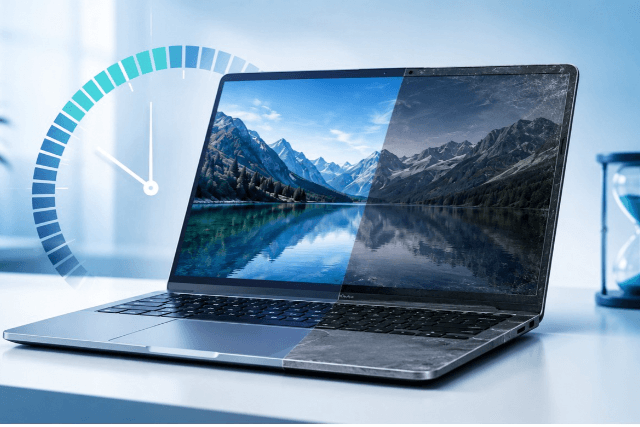
The average laptop lifespan ranges from 4 to 7 years with proper use and maintenance. Understanding how long your laptop will last helps you plan purchases and budget for replacements while maximising your investment. Build quality and usage patterns substantially influence laptop lifetime, along with environmental conditions.
This piece explores how long laptop computers last across different price ranges. Budget models last 2 to 4 years, while premium devices can extend up to 10 years with upgrades. You'll find how India's unique climate challenges affect laptop lifespan. Heat and humidity pose particular problems. We'll also get into key components like battery degradation and storage longevity. Batteries require replacement after 2 to 4 years typically. We'll cover the warning signs that indicate it's time for a new machine.
Most consumers wonder how long a laptop lasts when making purchase decisions, but the answer varies by a lot based on laptop category and price point. Laptop lifetime average is different between entry-level models and premium machines. Build quality and component grade play determining roles.
Budget laptops last around 3 years under regular use, though some sources indicate they may function between 2 to 4 years. These machines feature entry-level processors, smaller amounts of memory RAM and simple materials in construction. Price serves as a reliable indicator of hardware quality. Laptops priced below ₹59,066 last about 2 to 4 years. The compact stature of these devices makes components prone to overheating. Their portability increases the risk of physical damage from drops and spills. Budget models often struggle when running demanding applications or multiple programmes at once. Users replace them not because of complete failure but due to slower performance.
Mid-range laptops deliver better longevity and hold up for 4 to 5 years with proper care. These machines, priced between ₹59,066 and ₹84,380, represent the choice many businesses make for everyday productivity tasks. They include stronger processors and better displays. Most feature solid-state drives instead of traditional hard drives. These laptops maintain acceptable performance levels throughout their lifespan under mild to heavy usage. The inclusion of quality components means they handle business tasks and light multitasking without the rapid degradation seen in budget alternatives.
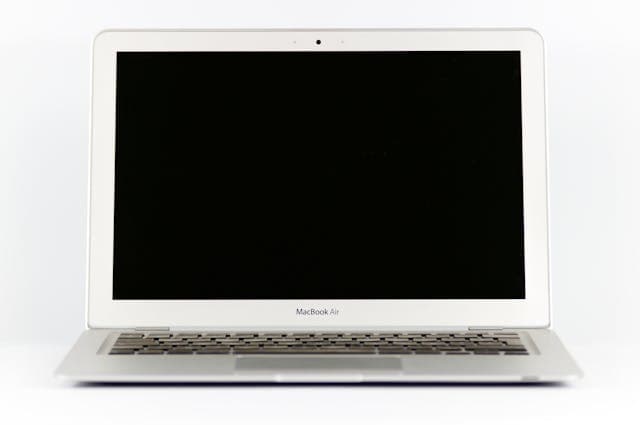
Premium and business-class laptops extend the average lifespan laptop computer by a lot, often reaching 6 to 7 years and sometimes beyond. Models priced above ₹84,380 last 4 to 7 years. Brands such as MacBook Pro, ThinkPad, and Dell Latitude demonstrate superior durability. Apple achieves the longest measured lifespan at 7 years 7 months, Dell Latitude/Precision at about 7 years, and Lenovo ThinkPad at 6 years 6 months. These machines feature stronger build quality and higher-performing components. They also retain higher residual value, making them easier to resell or repurpose.
Gaming laptops face unique challenges. These machines last 3 to 4 years before major performance or thermal issues appear. The constant strain on graphics cards, processors, and cooling systems contributes to quicker wear. GPUs average 2 to 3 years of optimal performance. Mobile workstations represent the most durable laptop category and last 5 to 8 years. Their reliable construction and superior thermal management allow sustained performance far longer than consumer or gaming alternatives.
India's tropical and subtropical climate presents specific challenges that directly affect average laptop lifespan. Environmental conditions, usage patterns, and infrastructure variations create unique stress factors that accelerate component wear beyond typical manufacturer estimates.
Component stress levels depend on how you use your laptop. Light tasks such as web browsing, word processing, and streaming place minimal strain on hardware. Heavy workloads including gaming, video editing, 3D rendering, and software development, push CPUs and GPUs harder. They generate excessive heat that degrades components faster. Resource-intensive activities cause thermal wear that reduces performance over time. Multiple demanding applications running at once accelerate processor wear and increase thermal load on cooling systems.
Laptops perform best between 10°C and 35°C. Internal components get damaged when you operate outside this range. India's climate exceeds these thresholds regularly, especially when you have summer months. High humidity between 60-80% increases internal moisture accumulation. This leads to circuit corrosion and oxidation of metal components. Moisture causes short circuits through ion migration, where water molecules cling to metal parts until complete component failure occurs. Humid conditions also degrade adhesives and polarizers while accelerating yellowing of display components.
India's electrical grid experiences frequent voltage variations that stress laptop power supplies. Surges exceeding 1,000-2,000 volts and brownouts create repeated micro-surges. These contribute to approximately 25% of power supply failures. Such fluctuations damage voltage regulators, MOSFETs, and battery charging circuits. Sudden power cuts corrupt filesystems and can damage SSDs lacking power-loss protection. Motherboards absorb electrical stress directly and become vulnerable to capacitor failures and circuit damage.
Airborne particles infiltrate laptop vents and block airflow. This forces cooling fans to work harder. Dust acts as an insulator that traps heat inside the chassis and accelerates thermal degradation of processors and graphics cards. Indian cities with higher pollution levels see faster dust accumulation. More frequent internal cleaning becomes necessary to maintain optimal operating temperatures.
Premium laptops undergo military-grade durability testing to withstand harsh environmental conditions. Devices meeting MIL-STD 810H standards survive temperatures from -30°C to 60°C and humidity up to 90%. Higher-grade materials such as aluminium chassis and magnesium alloy frames provide superior heat dissipation compared to plastic housings used in budget models. Business-class laptops feature reinforced structures and sealed keyboards that prevent dust and liquid ingress. This extends the average lifespan laptop computer by a lot.
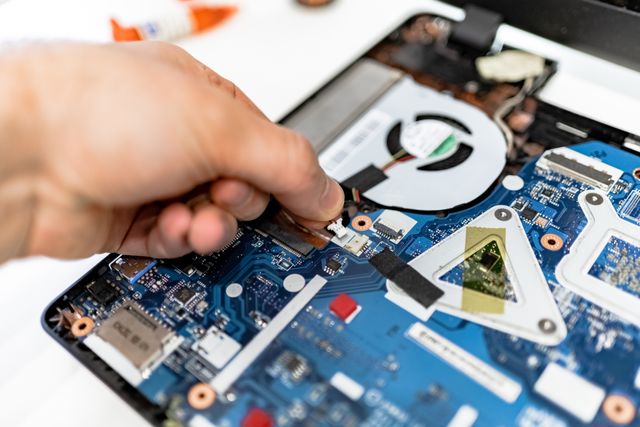
Individual components age at different rates and influence how long a laptop lasts beyond environmental factors. Understanding component-specific degradation helps predict replacement timing.
Laptop batteries last 2-5 years or between 300-1000 charge cycles before you need to replace them. Lithium-ion cells lose capacity after repeated charge-discharge cycles and reduce runtime as batteries age. Charge levels between 20-80% extend lifespan by a lot compared to full discharge cycles[163]. Temperatures above 35°C accelerate degradation and reduce capacity. Exposure to temperatures exceeding 95°F can reduce battery life by months or years.
HDDs last 4-7 years due to mechanical parts prone to failure from physical shocks. SSDs last 5-10 years. They lack moving components but write cycles limit them. Most SSDs provide hundreds of terabytes of writes before degradation. Average users write 20-40GB daily.
Standard thermal paste lasts 3-5 years, whilst metal-based compounds extend to 5-7 years. Component lifespan decreases by about 50% with every 10°C temperature increase. Heavy workloads accelerate paste breakdown and require replacement every 1-3 years.
Keyboard contact creates screen marks over time, especially when you have laptops that lack sufficient gap between keyboard and display when closed. This wear appears on consumer laptops of all types after 2-3 years of transport.
RAM modules last 10-20 years under normal conditions, with failure rates below 1.08%. Motherboards experience shorter lifespans. Capacitors fail due to heat exposure and often become the limiting factor in the average laptop lifetime.
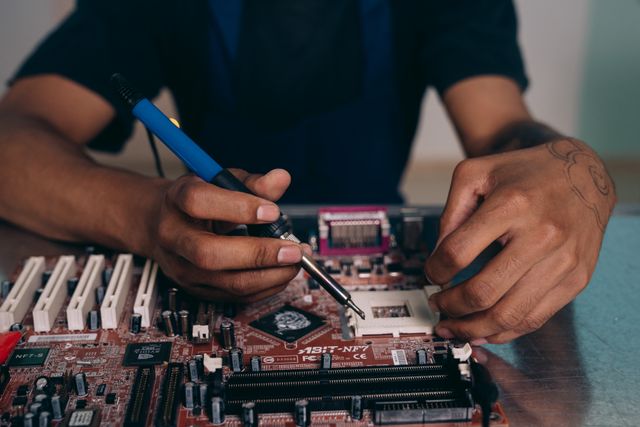
You need to recognise when your laptop reaches the end of its functional life. This prevents productivity losses and security risks. Several warning signs indicate replacement makes more financial sense than continued repairs.
Your laptop may struggle with simple tasks despite optimisation efforts. This means hardware limitations have likely been reached. Laptops over 5 years old that cannot handle modern software often require replacement. Applications take extended periods to load. The system becomes unresponsive during typing or clicking, and boot times slow down. These signal hardware inadequacy rather than fixable software issues.
Batteries that last only 1-2 hours indicate the end of their operational life. Settings adjustments might help at first, but consistently poor runtime after optimisation confirms battery replacement needs. Battery replacement costs may not justify the investment for older machines.
Grinding noises often suggest fan bearing failure. Continued use can damage internal components and lead to overheating issues. Excessive fan noise after cleaning indicates hardware deterioration that requires professional assessment.
Laptops incompatible with Windows 11 face security risks, especially after Windows 10 support ends in October 2025. You leave personal data vulnerable to emerging threats when you operate without security updates.
Random system crashes signal serious problems, especially those caused by hardware failures like faulty RAM modules. Storage drives that fail cause random freezes, corrupted files, and boot failures.
Replacement becomes the better option if repair quotes exceed 40-50% of your laptop's current resale value. Repair costs approaching 50-60% of a new laptop's price rarely make economic sense for machines older than 4 years. In such cases, selling old laptops on Cashmartindia and getting paid instantly provides funds towards a new machine. This helps you avoid further repair uncertainties.
Understanding laptop lifespan helps you make smarter purchasing decisions and plan timely replacements before productivity suffers. Here's what you need to know about laptop longevity in India:
When your laptop shows multiple warning signs or repair costs approach half its value, selling it immediately and upgrading makes better financial sense than investing in obsolete technology that will continue deteriorating.
Your laptop's lifespan depends on build quality, usage patterns, and environmental conditions. Budget models last 2-4 years, while premium machines can serve you for 7 years or longer with proper maintenance. Watch for warning signs like excessive slowdowns, overheating, and battery degradation to time your replacement wisely. Repair costs that exceed your laptop's current value signal it's time to sell. Selling old laptops on Cashmartindia and getting paid instantly makes better financial sense than continued repairs. You can fund an upgrade and avoid further investment in obsolete technology.
Yes, 5 years is a reasonable lifespan for most laptops. Mid-range laptops typically last 4-5 years with proper care, whilst budget models may last 2-4 years. Premium laptops can extend beyond 5 years, often reaching 6-7 years or more. The actual lifespan depends on build quality, usage intensity, and maintenance practices.
Whilst laptops can physically function for 10 years or more, their practical usability is often limited by software requirements and component degradation. Premium laptops with regular upgrades (such as RAM, SSD, and battery replacements) can remain functional for a decade. However, most users find that performance becomes inadequate for modern software after 5-7 years, even if the hardware still works.
Laptops slow down primarily due to evolving software demands rather than hardware degradation. Modern applications and operating systems require more processing power, RAM, and storage than older versions. Additionally, battery degradation, dust accumulation affecting cooling, and ageing hard drives contribute to performance decline. Upgrading to an SSD and adding RAM can significantly improve performance.
If repair costs exceed 40-50% of your laptop's current resale value, replacement is generally the better option. For laptops older than 4 years, repair costs approaching 50-60% of a new laptop's price rarely make economic sense. Consider replacement when experiencing frequent crashes, inability to run updated software, or severe battery degradation.
You can extend your laptop's lifespan by maintaining charge levels between 20-80%, keeping it clean from dust, avoiding extreme temperatures, and using a voltage stabiliser to protect against power fluctuations. Upgrading to an SSD, adding RAM, replacing thermal paste every 3-5 years, and performing regular software maintenance also help maximise longevity.


50000+ - Devices Picked


0 Comments