


 Select your city
 Login
Login
 Select your city Login


 20 Apr 26
 by Shahid Iqbal
 0 Comments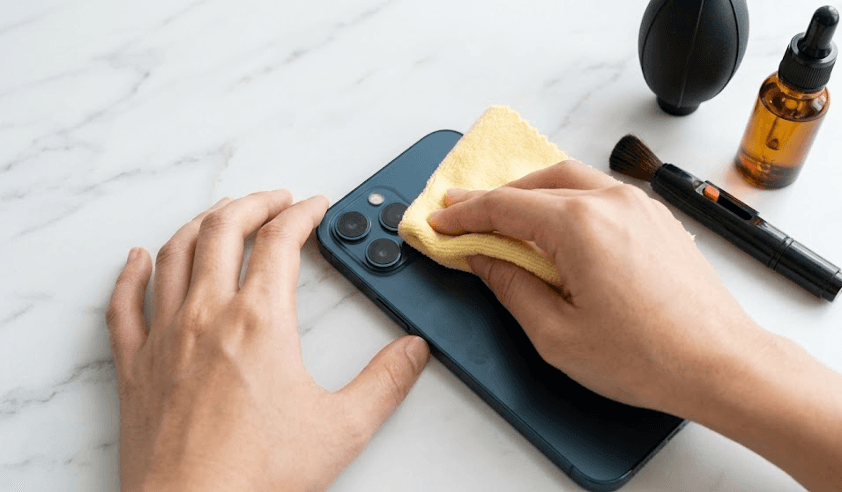
Even a faint smudge on your phone's camera lens will dull contrast and soften detail. But many people make their lenses worse by using the wrong cleaning methods. Learning to clean your phone camera lens the right way prevents scratches that permanently damage your photos.
Your phone camera deserves the same care as professional equipment. You might need to clean camera lens phone surfaces, perform front camera cleaning, or maintain your mobile camera cleaner habits. The wrong approach can create irreversible damage. The right technique takes just minutes and keeps your lens clear.
This piece walks you through safe phone camera cleaning methods and critical mistakes to avoid for scratch-free results.
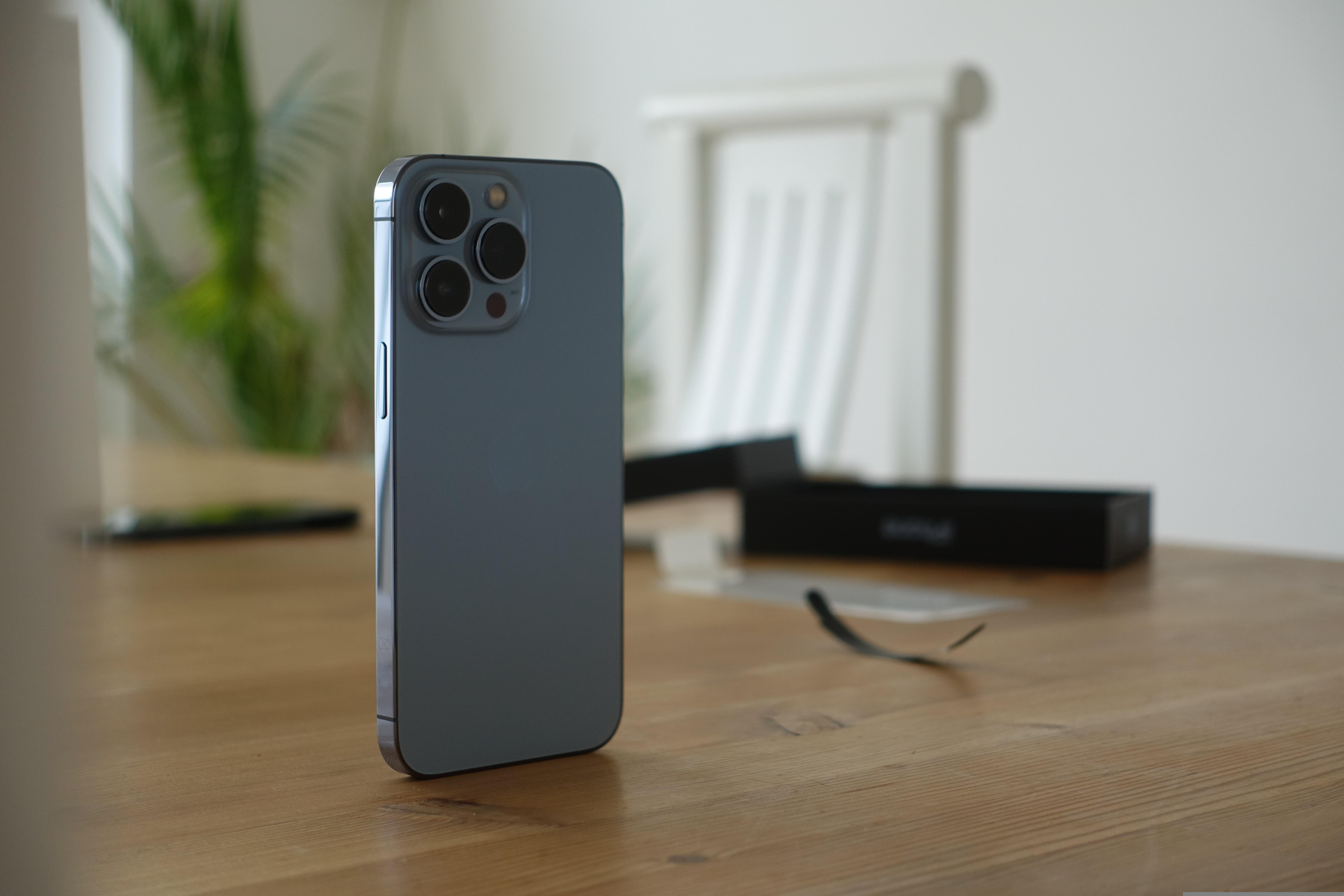
Fingerprints, dust and smudges degrade your image quality in ways you might not notice right away. The way lens coatings interact with oils and dirt makes your photos appear hazy or develop a foggy appearance, especially when you have bright skies or low-light conditions with visible light sources. Grease and dirt on your camera lens will reduce photo quality and autofocus speed.
Your phone might display visible warnings that indicate phone camera cleaning has become a must. Modern devices like iPhones running iOS 26 include features that detect smudged lenses and alert you to clean them for improved image quality. Some Android devices show built-in warnings that indicate a clean lens produces better photos as well.
Beyond automated alerts, get into your lens under light to spot cloudiness, fingerprints or visible dust particles. The lens surface needs attention if your images lack sharpness or appear softer than usual. Oils from your skin attract dirt and worsen image quality over time if left unchecked. Touch the lens after handling food or with greasy fingers, and you'll need more than a quick wipe to restore clarity.
A weekly clean proves sufficient for typical usage patterns, though your environment and habits determine the frequency. The goal centers on building consistent habits rather than following rigid schedules. Make it a reflex to glance at your lens before capturing important moments. That two-second check can prevent blurry results.
Perform a quick visual inspection and dry wipe once a day to stop grime from building up for daily use. Always clean it right before a vacation, wedding or any planned photoshoot to avoid letting a fingerprint ruin a great memory. You'll need to clean it a few times a day if you work in a dusty place, such as a construction site or while hiking.
Frequent camera users or those in dusty environments require more regular mobile camera cleaner attention. Your cleaning schedule should adapt to how you use your device. Give the lens a quick wipe with a microfiber cloth anytime you notice a smudge or right before you plan to take photos that matter.
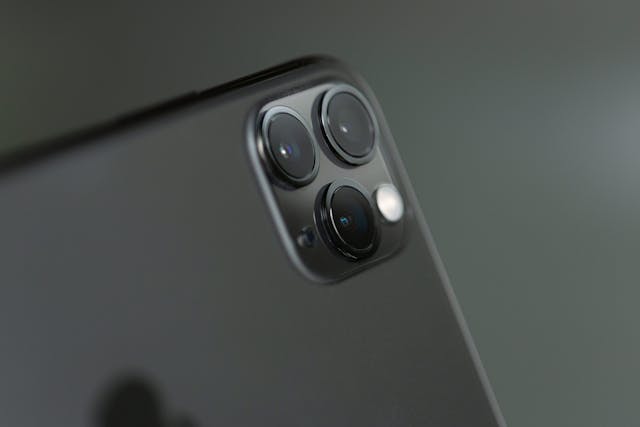
Gather the right tools before you start. This prevents damage and will give effective results. You don't need professional-grade equipment, but specific items make how to clean phone camera lens tasks safer and more complete.
A microfiber cloth stands as the most essential tool for phone camera cleaning. The fabric consists of tiny fibers that absorb dirt and oil without scratching delicate glass surfaces. These premium ultra-soft cleaning cloths are 100% safe for all surfaces and contain no harsh chemicals. They remove fingerprints, oil smudges and dust while leaving a streak-free finish. The cloth works dry for light cleaning or slightly dampened for stubborn marks.
Choose cloths designed for lenses rather than generic varieties. These undergo manufacturing processes that ensure optical-safe quality. Regular washing maintains the cloth's effectiveness, though you should avoid fabric softener since it leaves residue that transfers to your lens.
Lens cleaning solutions dissolve grease and lift dirt more than water alone. Alcohol-based, fragrance-free formulas clean optical surfaces without leaving streaks or residue. ZEISS products, to name just one example, use a unique combination of cleaning agents that avoid aggressive substances found in many generic cleaners. Apply the solution to your microfiber cloth rather than on the lens. This maintains control and prevents liquid seepage. Anti-smudge formulas work especially when you have camera lenses, as they're designed for delicate optical coatings.
An air blower removes loose dust particles before you touch the lens surface. A simple squeeze provides a powerful blast of clean air that dislodges debris without physical contact. The built-in one-way air valve prevents dusty air from entering the blower and contaminating surfaces during cleaning. This tool proves valuable given that particles act like sandpaper when wiped across glass.
A lens pen combines a retractable brush with a carbon-based cleaning pad. The brush end removes dust while the cleaning pad tackles fingerprints and smudges using molecular carbon technology. This dual-function design makes it convenient for on-the-go maintenance when learning how to clean mobile camera lens surfaces.
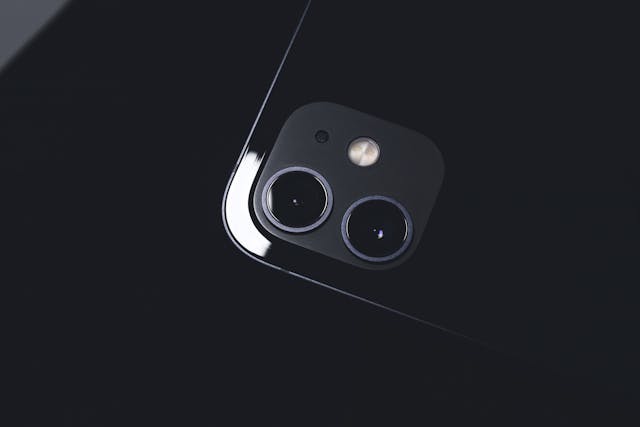
Turn off your device and disconnect it from any charger before starting. This prevents accidental button presses and eliminates electrical risks while handling moisture.
Squeeze your air blower to force out clean air over the lens surface. Hold the blower close but not touching the lens. This step dislodges loose particles that would otherwise scratch the glass when wiped.
Use circular motions starting from the center and working outward with your dry microfiber cloth. Apply light pressure to maintain surface contact. This removes fingerprints and oils without grinding particles into the glass.
Add a single drop of lens cleaning solution to your microfiber cloth, never on the lens itself. Wipe in gentle circular patterns until spotless. Use a cotton swab dampened with solution for corners or edges.
Apply the same techniques to your front-facing camera. Fold the microfiber cloth into a small corner to reach the tiny opening of the front camera lens.
Check the lens under bright lighting for residue or streaks. Give a final polish using a clean, dry section of your microfiber cloth for maximum clarity.
Knowing what to avoid protects your lens from permanent damage that ruins photo quality. Common household items seem convenient but cause irreversible harm to delicate camera optics.
Household cleaners like Windex, rubbing alcohol, and ammonia-based products strip away factory-applied protective coatings. These coatings reduce glare and help your camera produce vibrant, accurate colors. They never return once removed. The result shows as increased lens flare, ghosting, and noticeable contrast loss in your photos. Bleach and vinegar prove too aggressive for lens coatings despite their popularity. Stick to products created for camera lenses rather than grabbing what's under your kitchen sink.
Paper towels contain wood pulp that scratches optical coatings. Tissues and toilet paper create the same abrasive damage. Your clothing carries an even bigger risk. T-shirts and scarves trap grit and dust particles that act like fine-grit sandpaper against your lens. Each wipe creates micro-scratches that accumulate over time. This produces hazy, soft-looking photos and permanent quality drops.
Solution sprayed straight onto the lens invites moisture to seep into the camera housing. This causes fogging and expensive damage. Apply cleaning solution to your cloth first.
Safety pins, SIM ejector tools, and fingernails scratch the lens surface even without visible damage. These tools compromise image quality for good.
Master these essential techniques to maintain crystal-clear phone photos without damaging your camera lens:
Following these simple steps takes just minutes but preserves your photo quality for years. A clean lens is the difference between professional-looking shots and disappointing, hazy images that can't be fixed in post-processing.
You now have everything you need to keep your phone camera lens spotless and scratch-free. The right tools and technique take just minutes but preserve your photo quality for years. Use only microfiber cloths and proper lens solutions while avoiding harsh household cleaners. Build regular cleaning habits that match your usage patterns. A quick wipe before your next important photo will deliver sharper, clearer results.
Use a microfiber cloth with gentle circular motions, starting from the center and working outward. First, remove loose dust with an air blower, then wipe with a dry microfiber cloth. For stubborn smudges, apply a drop of lens cleaning solution to the cloth (never directly on the lens) and wipe gently with minimal pressure.
Unfortunately, scratches on phone camera lenses are permanent and cannot be removed. Once the lens surface or protective coating is damaged, it affects photo quality indefinitely. This is why prevention through proper cleaning techniques is essential—always use soft materials and avoid sharp objects or abrasive tools.
While isopropyl alcohol can technically be used on camera lenses, it requires extreme caution. Too much alcohol or harsh rubbing can damage the lens coating. If you choose to use it, apply a small amount to a microfiber cloth (never directly on the lens) and wipe very gently. However, lens-specific cleaning solutions are safer and more effective.
A hazy appearance often results from oils, fingerprints, or micro-scratches that aren't immediately visible. Even faint smudges reduce contrast and soften detail. Examine your lens under bright light to spot cloudiness or residue, and clean it using proper techniques with a microfiber cloth and lens cleaning solution.
Avoid paper towels, tissues, clothing, and household cleaners like Windex, ammonia, bleach, or vinegar. These materials either contain abrasive fibers that scratch the lens or harsh chemicals that strip away protective coatings. Also, never use sharp objects like pins, keys, or fingernails, as they cause permanent damage.


50000+ - Devices Picked

0 Comments